Sunday, January 15, 2012
Saturday, January 14, 2012
NAS 110/220/440 part 4: Bittorent client to NAS 110, 220, 440 (Debian linux)
Transmission (headless server)
Transmission is great, but in lenny you get a very, very old version. There is way to get the latest or from backports but I would suggest compiling the latest from trunk. I have compiled the 2 packages needed...
And they are right here:
Older version:
libevent-2.0.16_1-1_armel.deb
transmission_2.42-1_armel.deb
Newer version:
1. transmission_2.77-1_armel.deb
2. libevent_2.0.21-1_armel.deb
3. (not sure it is needed, but here you go) intltool_0.50.2-2_all.deb
A simple dpkg -i *.deb should do the trick. Just follow the settings part for all the install methods below...
Otherwise:
- Install transmission (from backports)
nano /etc/apt/sources.list
# Add those lines: - # Backports repository
deb http://backports.debian.org/debian-backports lenny-backports main
aptitude install libcurl3-gnutls libevent-1.4-2
Then download from here (common, cli, daemon)
dpkg -i transmission-common_1.77-1~bpo50+2_all.deb
dpkg -i transmission-daemon_1.77-1~bpo50+2_armel.deb
dpkg -i transmission-cli_1.77-1~bpo50+2_armel.deb
Monday, January 9, 2012
Replace the disk in NAS 110/220
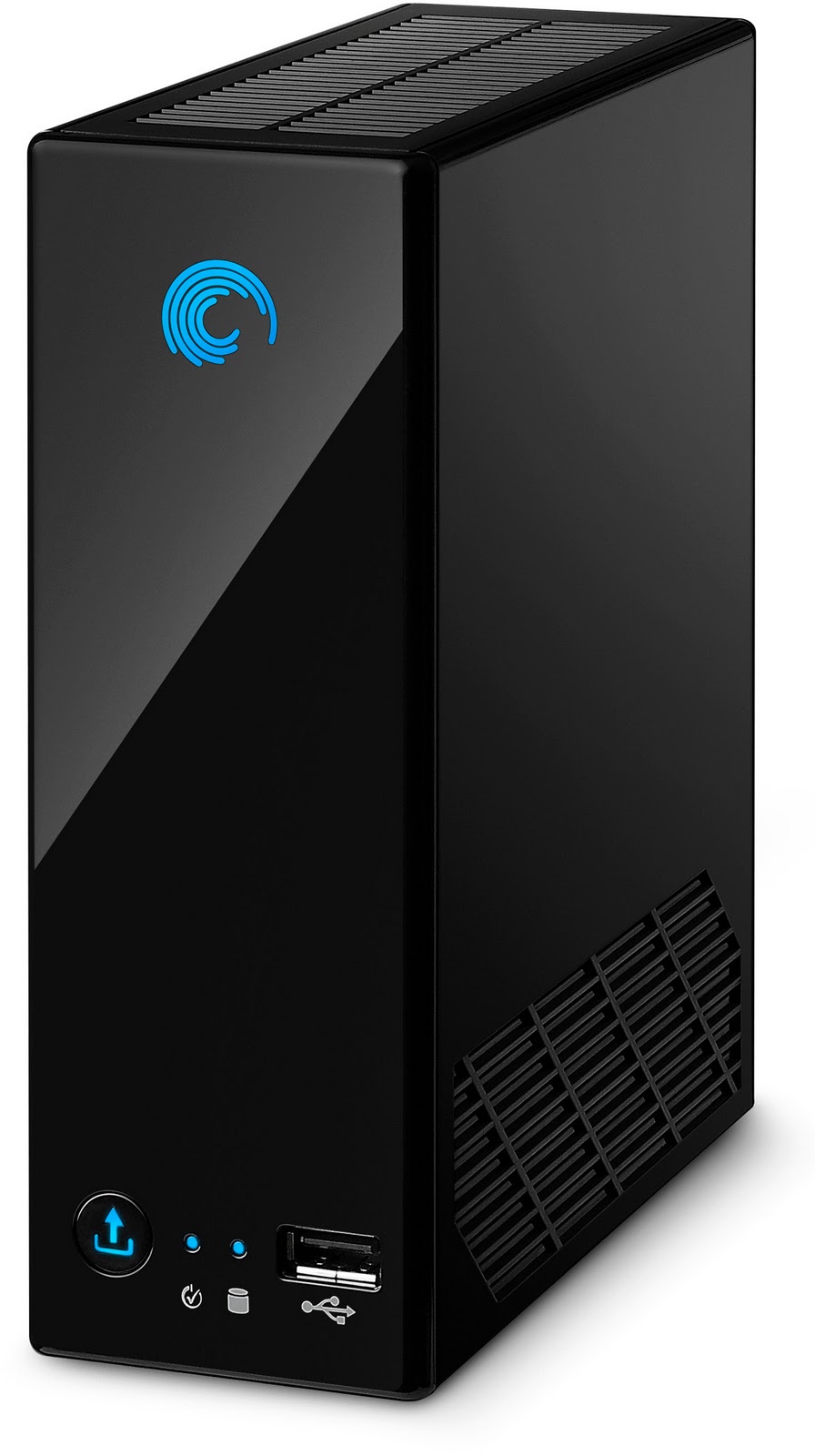
So we bought a crappy disk drive from Seagate (not to mention an overpriced logic board and system that does nothing important) and probably failing after a year the most. Well, fear not, as you can change the drive with another one... (bigger?) and better.
I have not tried this myself as currently the prices have gone up for the hdds, but according to Linuxoid
http://forums.seagate.com/t5/BlackArmor-NAS-Network-Storage/BlackArmor-NAS110-How-to-replace-drive/m-p/98958#M3784
1. Disconnect power and Ethernet cables
2. If you read from the beginning of my post, I just used brutal (but reasonable) force to crack it open. If you're not prepared to do this, then this HowTo may help: http://crapnas.blogspot.com/2010/04/opening-box.html3. Pull the failed HDD out (don't pull out the remaining stuff, just the HDD)
4. Buy a new HDD (I've aways only purchased Seagate drives, but after that bullsh*t they gave me, just as a matter of principle, I purchased a 2 TB Hitachi HDD which has much more only positive reviews than Seagate's. From now on, I'm not buying anything from Seagate if they're so stupid).
5. Slide the new HDD in
6. Connect power and Ethernet cables
7. The NAS will format the drive itself (takes about 5-10 min)
8. Log in (it resets the admin password back to admin and sets IP to dynamic, check in the router which IP it got allocated)
9. Go through the rest of the shares and users setup
That's it! Not designed for the hard drive to be replaced my a*s! Couldn't be easier.
Of course you'll loose all your warranty doing the above. But I was not going to give them 1 TB of my personal stuff.
So there you have it. The NAS 110 can become the best DLNA server with a bigger and better hdd.
Labels:
nas 110
Subscribe to:
Posts (Atom)


